
See income and expenses at a glance, search and filter instantly, and import a full bank statement in one upload, Automonie categorises it for you.
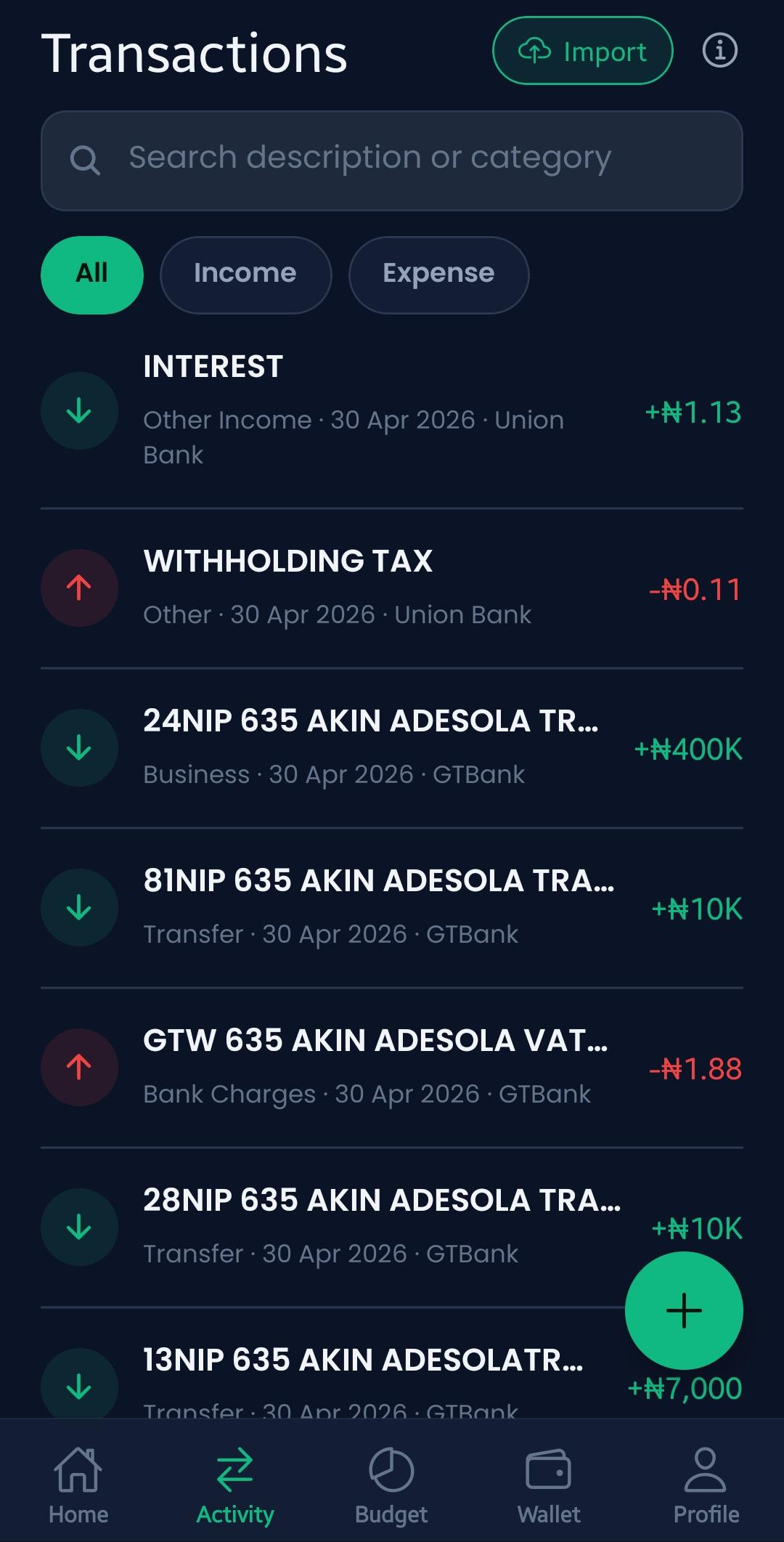
Find any payment by description or category, and switch between All, Income and Expense in a tap.
Imported transactions are sorted into categories for you, ready to budget against right away.
Bring in CSV, Excel, or PDF statements, even password-protected ones, from any Nigerian bank.
Stop scrolling through bank apps and screenshots. Bring every account into one clear history you can actually read.
Every imported row is sorted into a category, so your reports work from day one.
Search by merchant or category and filter by type or period in a tap.
Bring months of history in one upload, no retyping, no spreadsheets.